AI-assisted release documentation workflow prototype
Overview
This project explores how AI can support release documentation triage by helping a technical writer sort, structure, and review release information.
The problem
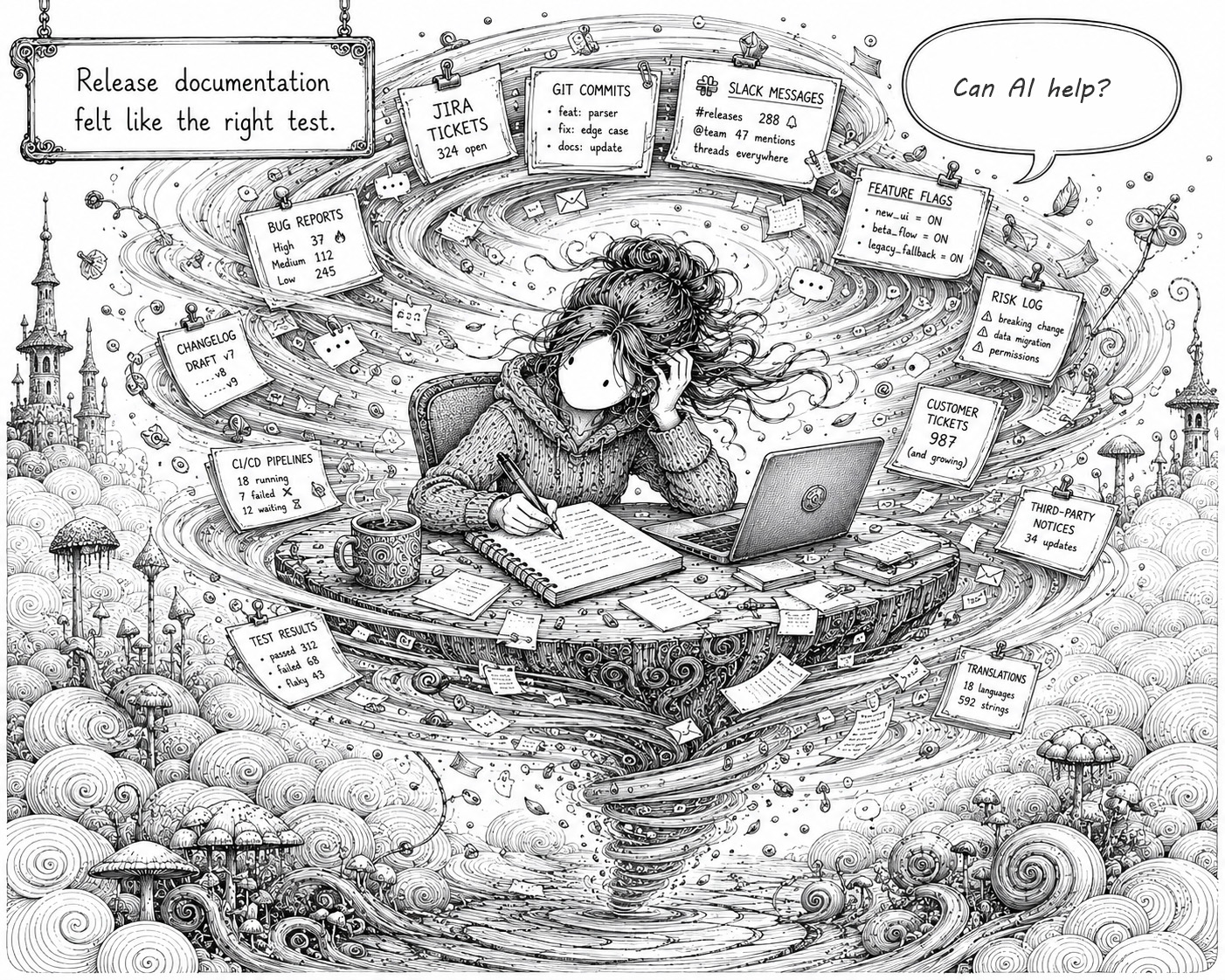
Release documentation often starts with a surprising amount of scattered detail. Jira tickets, feature notes, Git commits, support feedback, and informal product context can all contain useful clues about what changed.
The challenge is that none of these sources are usually written with the final documentation in mind. They may contain conflicting, incomplete, or ambiguous information. Some details matter to customers, some only matter internally, and some need to be checked before they can be trusted.
This project uses a fictional SaaS product release to simulate that common documentation problem. I wanted to test whether structured AI prompts could help turn selected release inputs into a clearer working view of a release.
Could AI help a technical writer work out what changed, what matters to users, what should stay internal, and which help articles may need updating?
The workflow
Planning the prototype
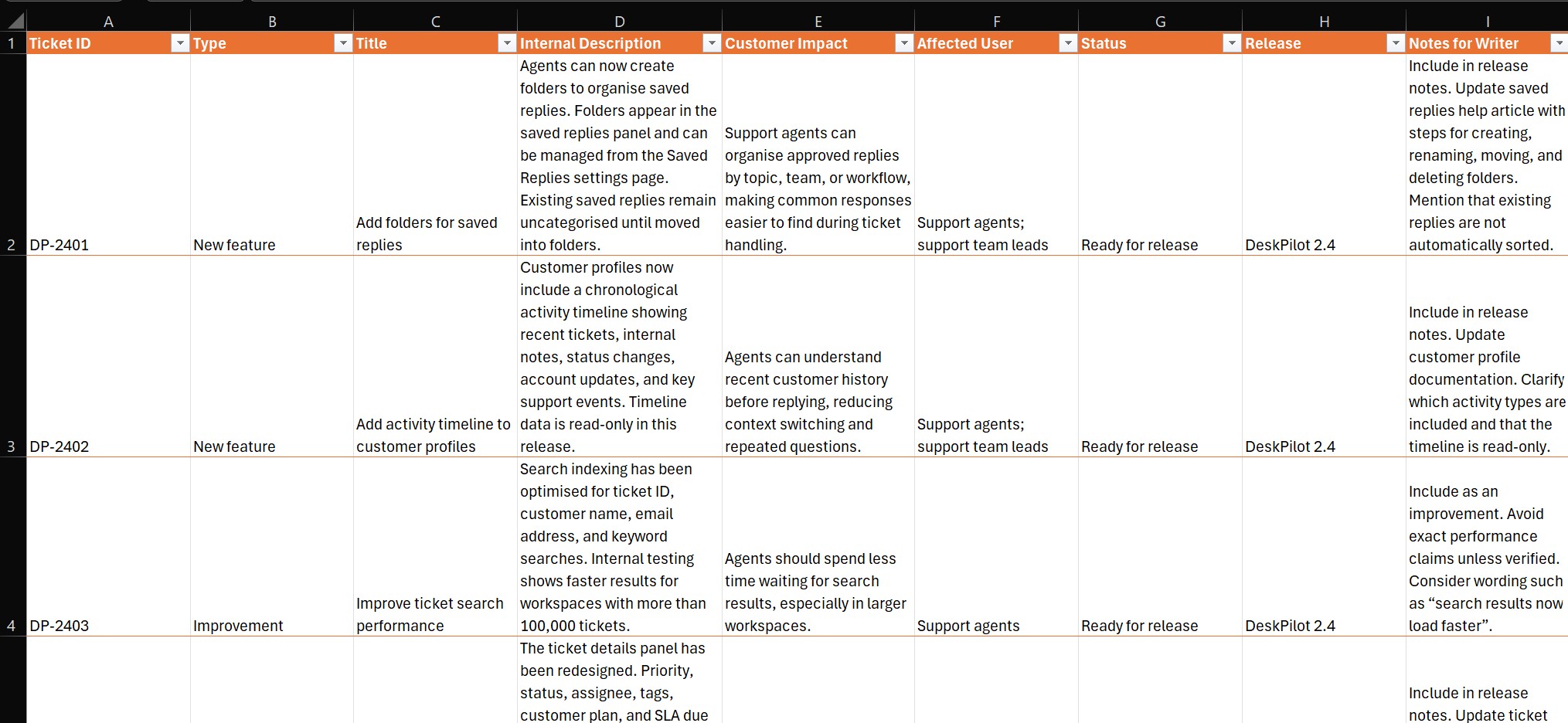
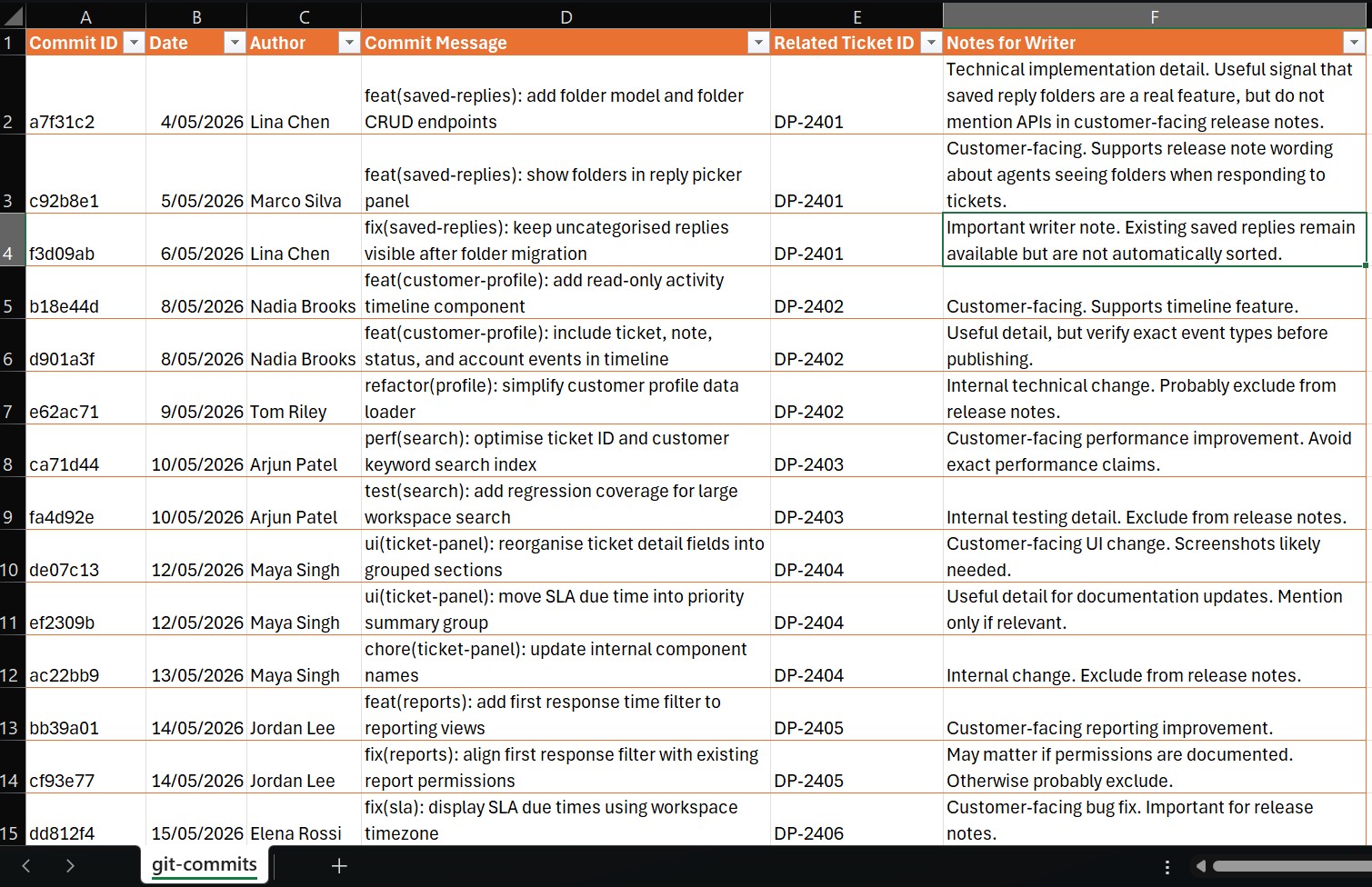
I used AI to help define the project scope, create a fictional SaaS product, and generate a set of mixed release inputs. These included Jira tickets, Git commits, support feedback, and feature notes.
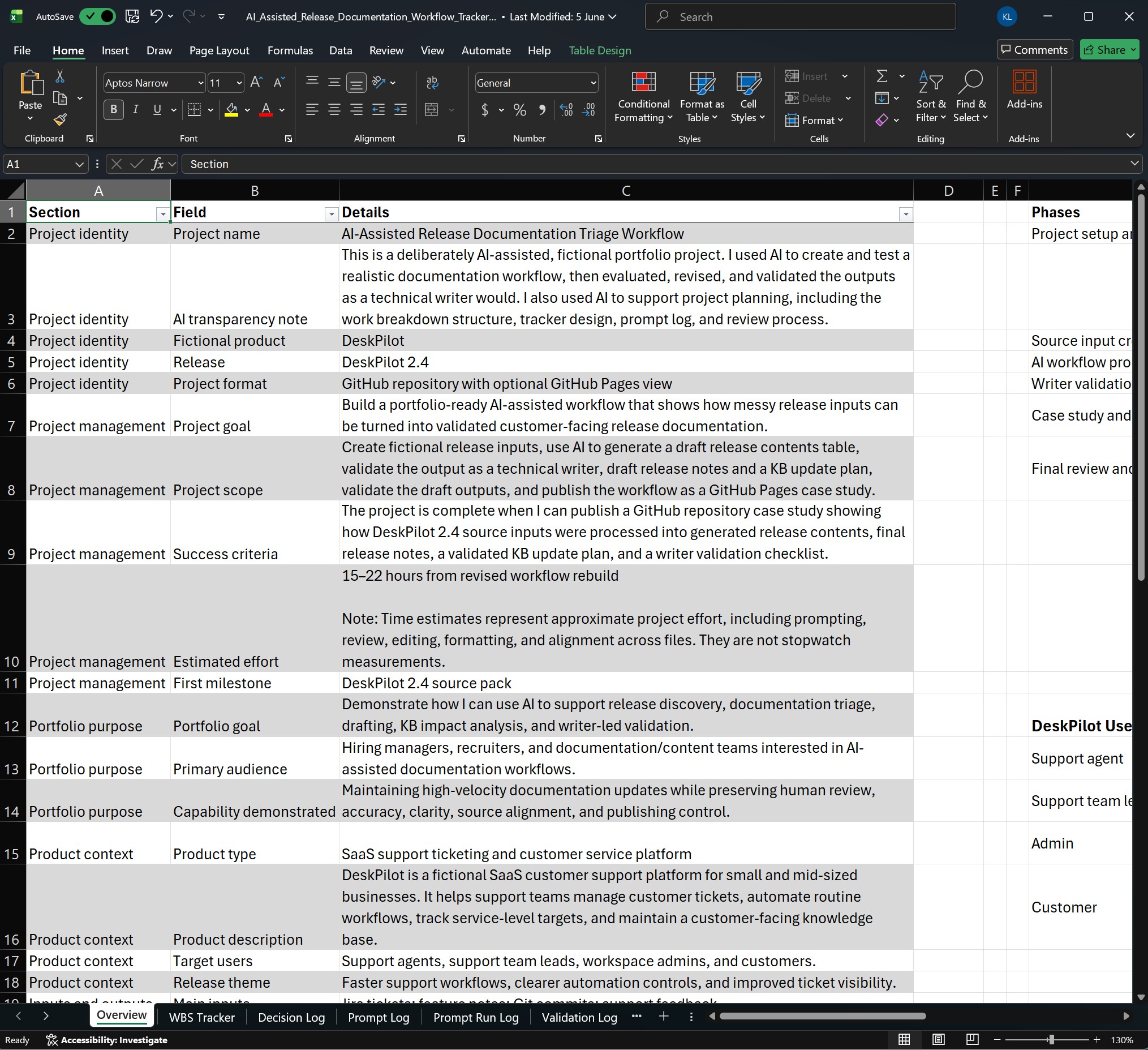
I used an Excel workbook to document the project scope, track progress, and record key decisions.
Producing the artefacts
I used structured prompts to process the release inputs and produce draft documentation artefacts, including:
-
a release contents table
-
draft customer-facing release notes
-
a knowledge base update plan
-
validation findings
| Prompt ID | Prompt purpose | Artefact produced |
|---|---|---|
Extract release-relevant changes from selected source inputs, including Jira tickets, feature notes, Git commits, support feedback, and product context. |
||
Identify which help articles, FAQs, or knowledge base pages may need to be created, updated, or reviewed. |
||
Draft customer-facing release notes from the validated release contents. |
||
Review the draft outputs for source alignment, unsupported claims, exclusions, caveats, and documentation impact. |
What I learned
Producing useful outputs from mixed inputs
AI was useful for turning mixed release inputs into a clearer release view. It produced several outputs:
-
a draft release contents table
-
MVP release notes
-
a first-pass knowledge base impact plan
The release contents table was the strongest output. It made it easier to see what had changed, separate customer-facing updates from internal-only work, and identify likely documentation impacts. It also became a useful source for drafting the release notes because the release information had already been grouped, filtered, and checked.
Source preparation matters
In a real release workflow, the first step would be selecting and exporting the right source material. That might include Jira issues filtered by release, fix version, sprint, status, label, or component, along with Git commit metadata for the relevant release range.
However, for this prototype, I bypassed that step (I cheated) by using simulated Jira tickets, Git commits, support feedback, and feature notes. The experiment focused less on the mechanics of exporting data and more on what happens after the source material exists.
The fictional source inputs were cleaner than real release material I have experienced, so the project did not fully test how AI handles conflicting, incomplete, or ambiguous information.
If I repeated the project, I would use messier source inputs, include a product style guide, and provide examples of previous release notes to better shape the output.
Preferred workflow (a hypothesis)
On reflection, my preferred workflow would be to:
-
maintain a structured release contents table
-
use AI to cross-check that table against sources for possible gaps and missed documentation impacts, or unclear changes
-
have the technical writer review and validate the release contents table
-
provide the validated release table, style guide, and previous release note examples as AI input
-
ask AI to produce a draft
-
have the technical writer validate, edit, and polish the final release communication
At least, this is my hypothesised workflow based on this prototype. I would need to test it in a real release context to see how it works with real source material.
Portfolio value
This project demonstrates how I can use AI not only to help draft release notes, but also to make release information easier to inspect, question, and shape before publication. It also demonstrates how I used AI to support planning and delivery, from defining the scope and breaking down the work to tracking progress and key decisions.